
PDF to Video AI
Attach a PDF and the AI director reads it, then hands you a 15 to 60 second narrated, subtitled explainer.
Takes about 30–50 minutes. You can close the page.
FloatPass credits
- 15 seconds1,612 platform credits ≈ $6.45
- 30 seconds2,417 platform credits ≈ $9.67
- 45 seconds4,028 platform credits ≈ $16.11
- 60 seconds4,834 platform credits ≈ $19.34
From pages to scenes
Looks your PDF can become
The director reads your PDF, writes a script from it and draws new scenes; it does not show the pages as slides.
Name a look in your sentence: a whiteboard for a process, a data story for a report with numbers, an isometric map for how things move.
- Landscape 16:9
- Subtitled
Whiteboard
1:51- Landscape 16:9
- Subtitled
Data story
0:50- Landscape 16:9
- Subtitled
Isometric infographic
0:59
Attach, ask, download
PDF to video in three steps
You bring the document and one sentence. The director does the reading, the writing, the voice, the drawing and the music.
- 01
Attach the PDF
Press + and add the PDF for the director to read, up to 20 MB. Add up to seven more files, such as slides or a spreadsheet, if the story needs them.
- 02
Say what to explain
One sentence on what the film should take from the document and for whom: “the three findings of this report, for customers”.
- 03
Pick the length and download
Choose 15 to 60 seconds and a narrator. In about 30 to 50 minutes you get the MP4, an SRT subtitle file and a cover image.
Works in any phone or desktop browser. Close the page while the film is made; it waits for you under My films.
Read, not pasted
What the director does with your PDF
A PDF to video tool can read pages aloud over slides. This one reads the document and writes a short film about it.
- Reads your PDF
- The director reads the PDF you attach and keeps what fits the length and the sentence you wrote.
- Writes a script to length
- A 30-second film gets a 30-second script. The figures and names you list as must-include points are written in first.
- Draws new scenes
- Charts, diagrams and type are drawn by code for each scene, rather than screenshots of your pages.
- Narrates and scores
- One of eight voices reads the script in English or Chinese, with timed subtitles and an original score.
- One PDF, one film
- A film runs 15 to 60 seconds, so one document makes one short explainer, not a course. For a long report, make one film per section.
- Show what must be seen
- To put a chart, a photo or your logo on screen, add it as an image as well; up to five images appear in the film.
- Point at the part that matters
- Name the section or the page in your sentence, such as “the findings on page 4”, so the director knows where to look.
- Keep it shareable
- Media links can be opened by anyone who has them. Leave out documents you cannot share with a processor.
Find your document
Four PDFs worth turning into a video
 01
A report nobody will read
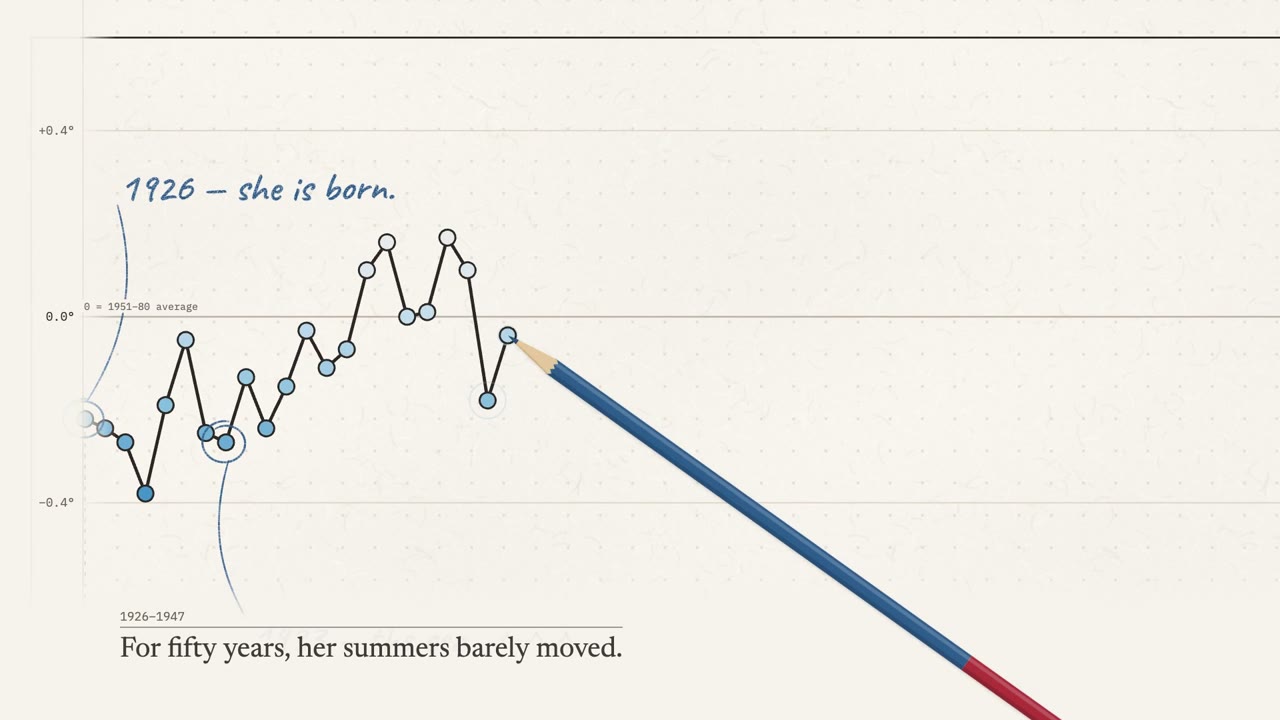
The findings of an annual report or a study, as charts that draw themselves and a narrator who says what changed.
 02
Lecture notes into a review
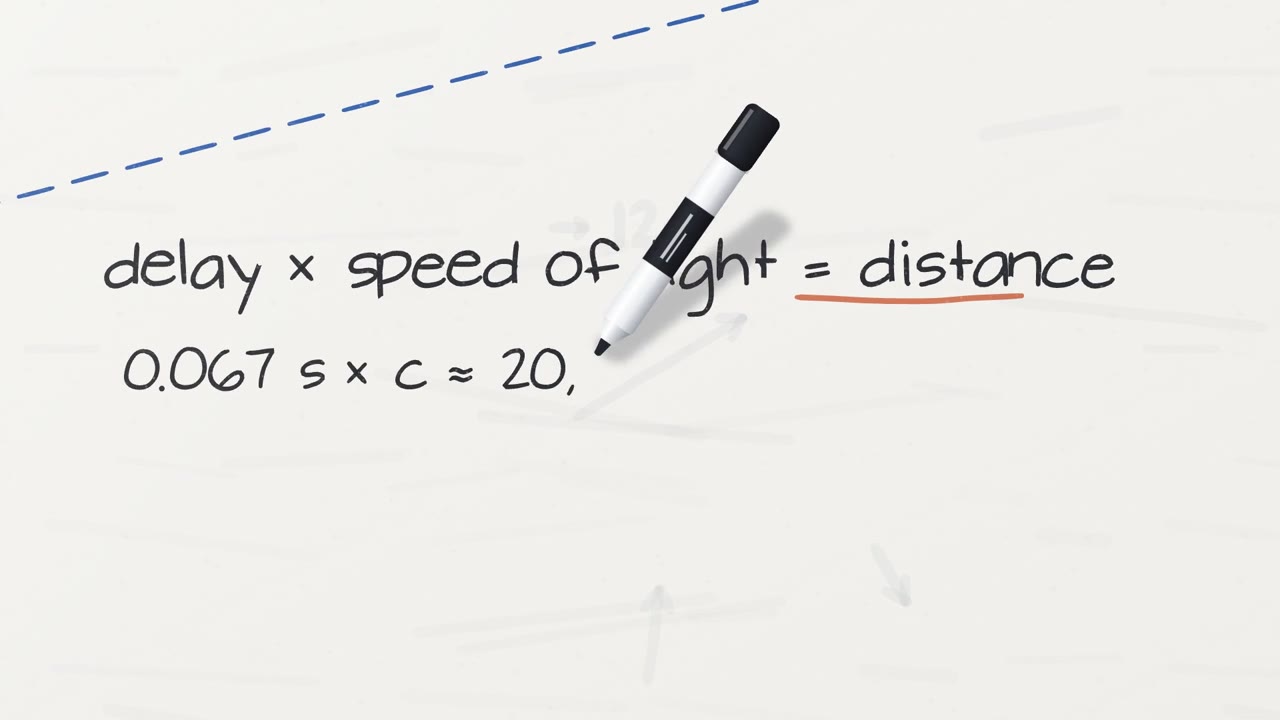
One topic from your notes as a short review video for students, drawn on a whiteboard while it is explained.
 03
A spec sheet into a product film
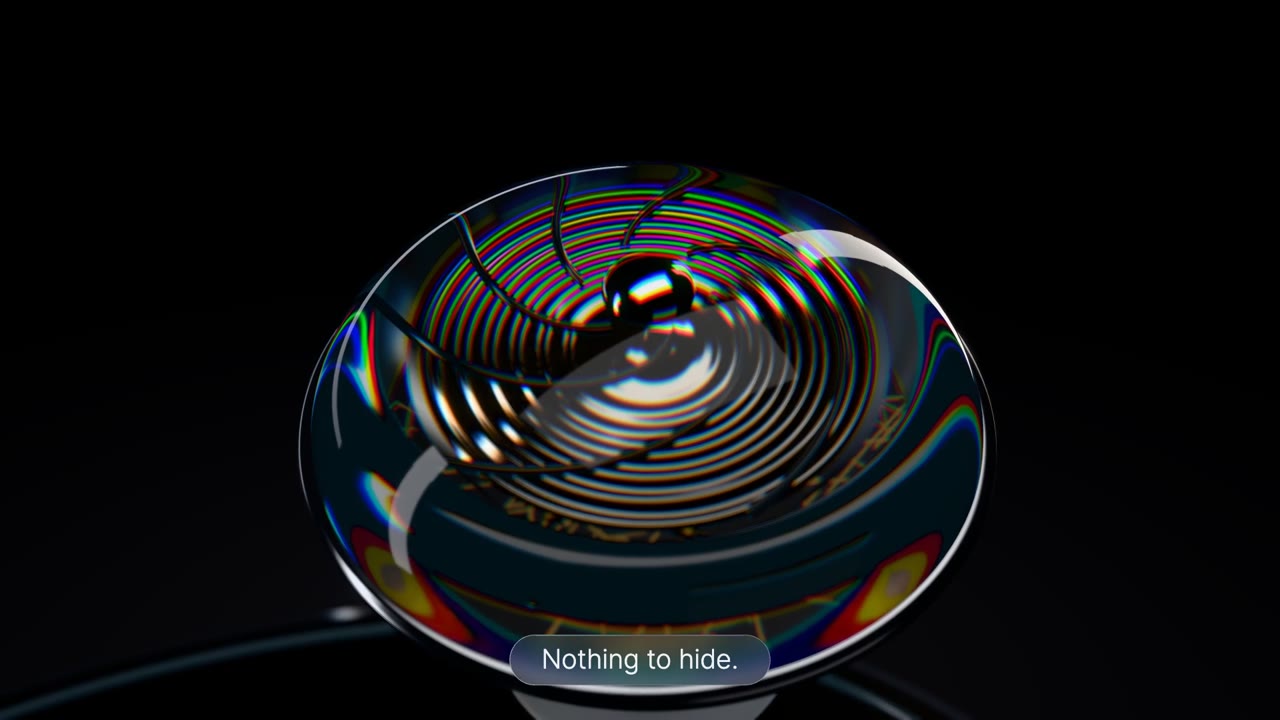
What the product is, how it works and the price, from the spec sheet or the deck you already have.
 04
A policy for new hires
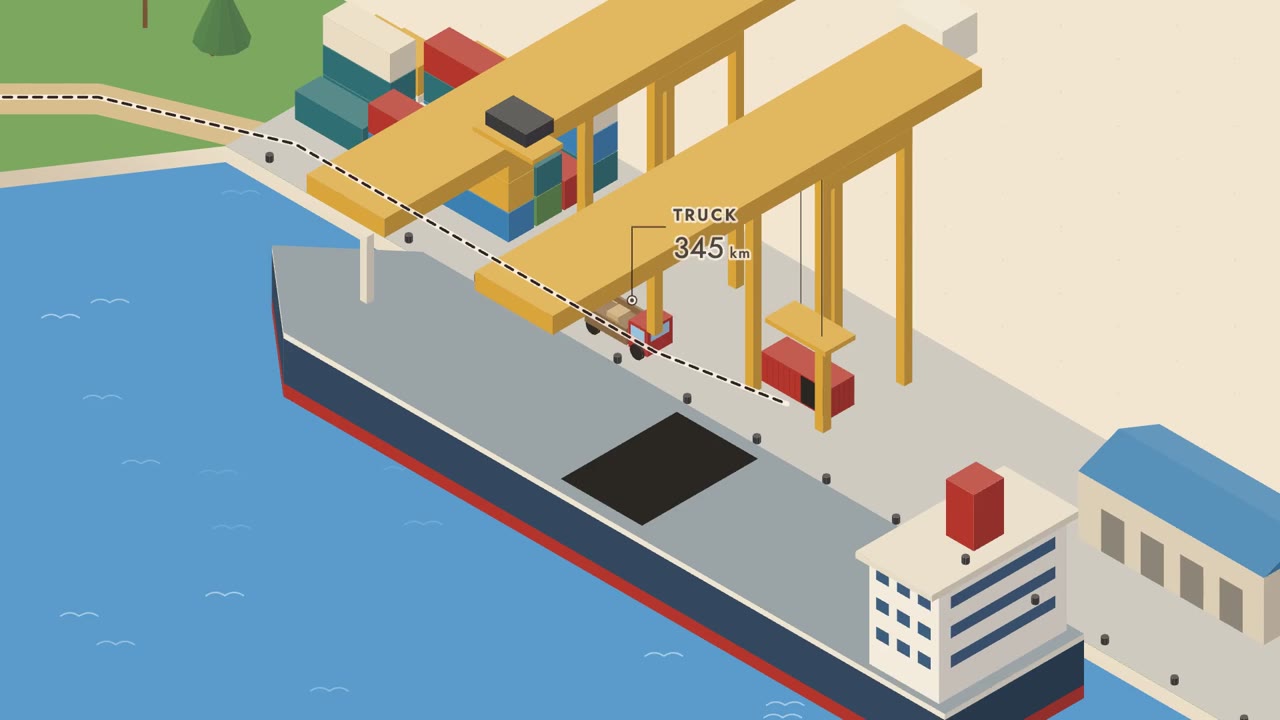
A process from a handbook or a policy PDF, step by step, for onboarding or a help page.
Film pricing
$1 = 250 platform credits. One-time top-ups, no subscription.
| Duration | Platform credits | Price |
|---|---|---|
| 15 seconds | 1,612 | $6.45 |
| 30 seconds | 2,417 | $9.67 |
| 45 seconds | 4,028 | $16.11 |
| 60 seconds | 4,834 | $19.34 |
FloatPass credits
- 15 seconds1,612 platform credits ≈ $6.45
- 30 seconds2,417 platform credits ≈ $9.67
- 45 seconds4,028 platform credits ≈ $16.11
- 60 seconds4,834 platform credits ≈ $19.34
Is PDF to video free here?
No. A 15-second film costs 1,612 credits (about $6.45), 30 seconds 2,417 (about $9.67), 45 seconds 4,028 (about $16.11) and 60 seconds 4,834 (about $19.34). The button shows the price before you start, and a film that fails gives its credits back.
How long does PDF to video take?
About 30 to 50 minutes for one film. You can close the page; the film waits for you under My films. The length of the PDF does not change the price; only the length of the film does.
Can a long PDF become one video?
One PDF makes one film of 15 to 60 seconds. The director reads it and keeps what fits the length; a 60-second film holds a short story, not a chapter. For a long report, make a series, one film per section, each with its own sentence.
Can I make several videos from one PDF?
Yes. Attach the same PDF to each film and change the sentence, such as one section per film. Each film is priced by its length, from about $6.45 for 15 seconds.
Which files work besides a PDF?
Word (DOCX), PowerPoint (PPTX), Excel (XLSX), CSV, JSON, Markdown and plain text, and images. You can attach up to eight files for the director to read, 20 MB each.
Will the video show the pages of my PDF?
No. The director reads the PDF for the script and draws new scenes. To show a chart, a photo or a logo from it, add that as an image too; up to five images appear in the film.
What should my sentence say about the PDF?
What the film should take from the document, for whom, and how long: “the three findings of this report, for customers, 45 seconds”. Add the key figures as must-include points so they are said and shown.
Can I turn a slide deck into a video the same way?
Yes. Attach the PPTX or a PDF export of it; the director reads the slides for the script and draws new scenes. To show a slide itself, add it as an image.
Who can see the PDF I upload?
Your account's film list is private. Uploaded files are processed to make your film; media links can be viewed by anyone who has the link, so do not upload documents you cannot share.
Can I use the video commercially?
Yes. The films you make are yours to use on your site, in ads, courses and client work, with no credit to us. You need the rights to the documents and images you add.
Which formats and lengths can I make?
Landscape 16:9 from 15 to 60 seconds, or vertical 9:16 for TikTok, Reels and Shorts at 15 or 30 seconds. Narration in English or Chinese.
More film types
Keep reading
- AI infographic video makerYour figures as charts that draw themselves, with the turning point called out.
- Whiteboard animation generatorHand-drawn explanations, each line drawn as the narrator says it.
- AI product video generatorA narrated launch video from one sentence and your screenshots.
- Study notes to a narrated review videoHow notes become a short review film, and what to put in the sentence.
Your next film
Turn your PDF into a film
Attach the document, write one sentence on what to explain, and pick a length.