Opus 5.5 video generator,
without the setup.
The viral Opus 5.5 videos are programs that draw every frame. Here Claude Opus 5.5 writes that program for you, adds narration, subtitles and music, and hands back an MP4.
Takes about 30–50 minutes. You can close the page.
What an Opus 5.5 video really is
Opus 5.5 has no video output. The clips you saw on X were made in four steps, and this site runs all four for you.
It writes code, not pixels
Opus 5.5 decides the layout, colors, motion curves and the order of shots, and writes them down as a program.
A browser draws each frame
A headless browser runs the program one frame at a time, so every scene is exact and can be checked before the cut.
ffmpeg makes the MP4
The frames, the narration and the music are encoded into one file you can post anywhere.
Here it is hosted
On your own computer you would install Node.js, Chrome and ffmpeg and prompt each step. Here you write one sentence.
From your sentence to a finished film
What the director does after you press the button.
Script
Claude Opus 5.5 turns your sentence into a script cut to the length you picked.
Narration
One of eight voices you can hear first reads it, and each line is checked against the script.
Scenes
Every scene is drawn on its own and checked frame by frame, in 16:9 or 9:16.
Subtitles and music
Subtitles timed to the voice, an original score and the sound effects the scenes call for.
Download
You get the MP4, an SRT subtitle file and a cover image.
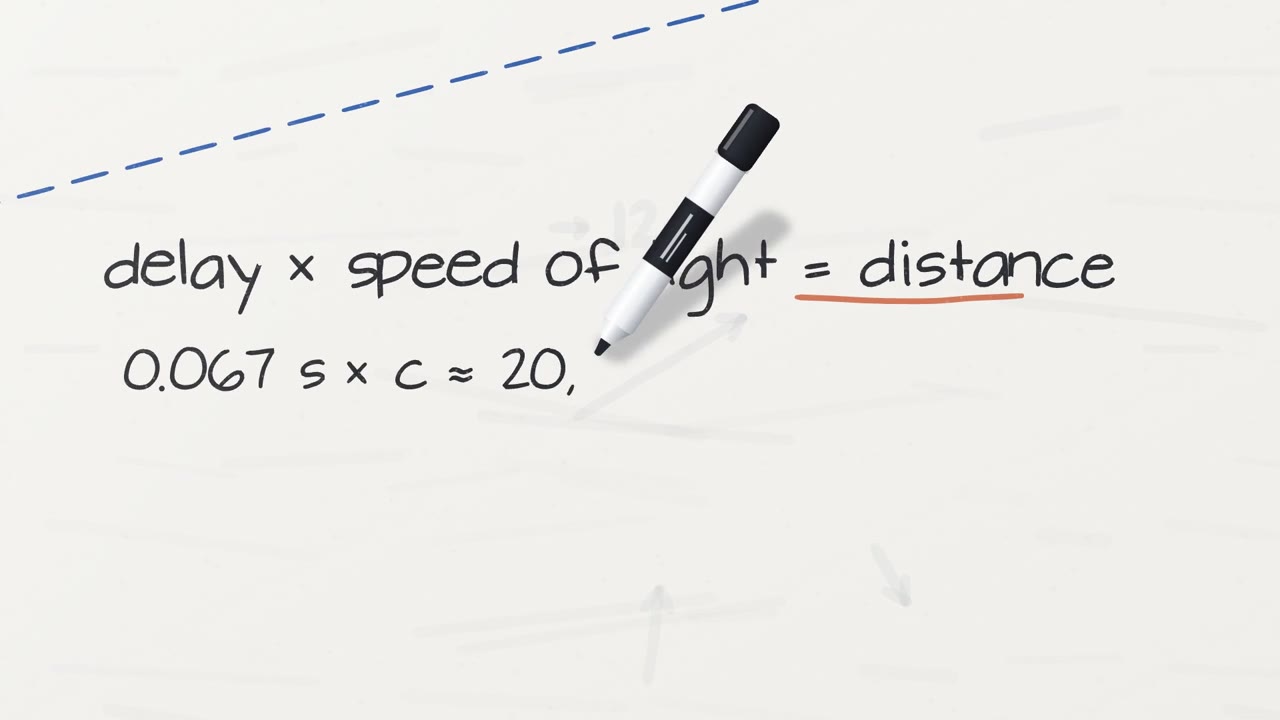
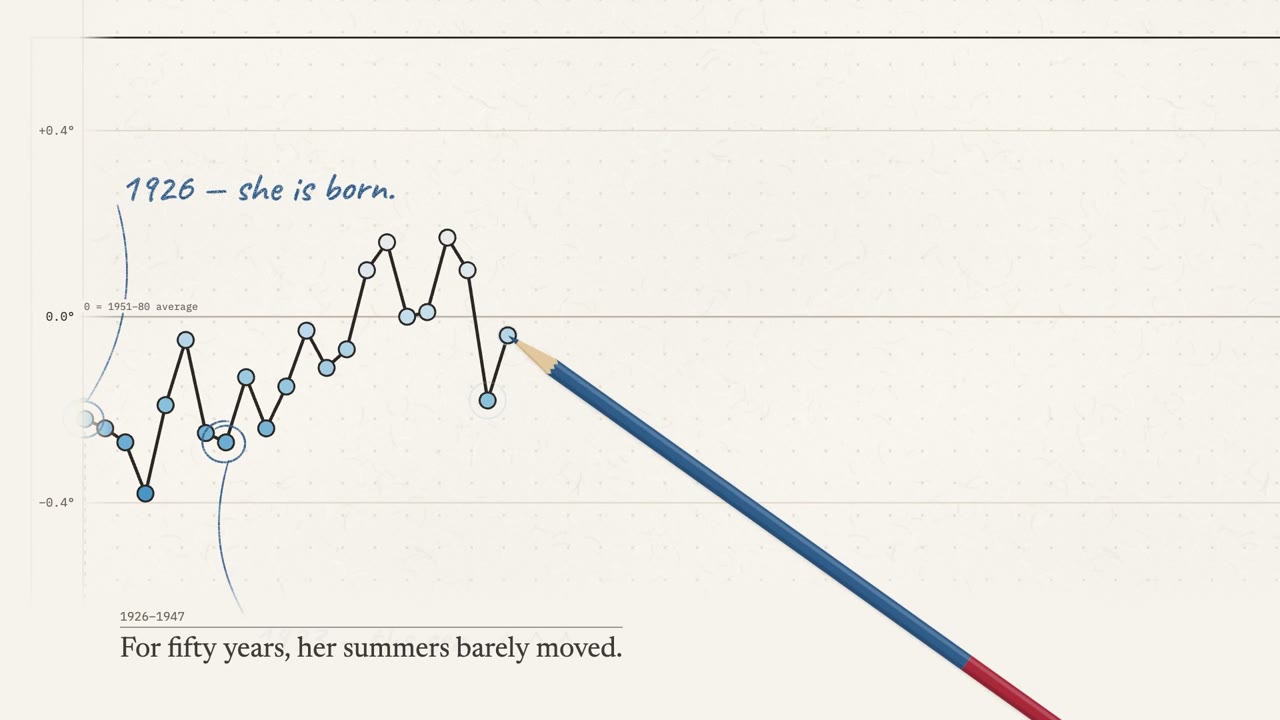
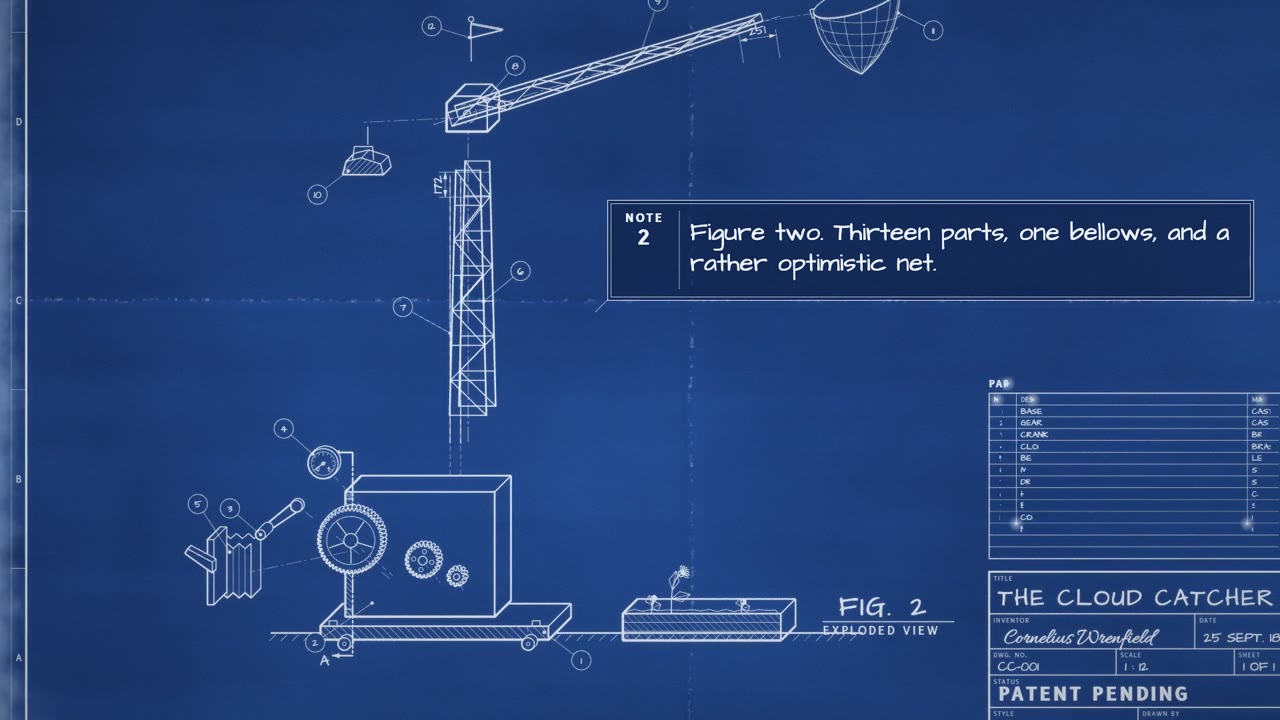
Looks the director can draw
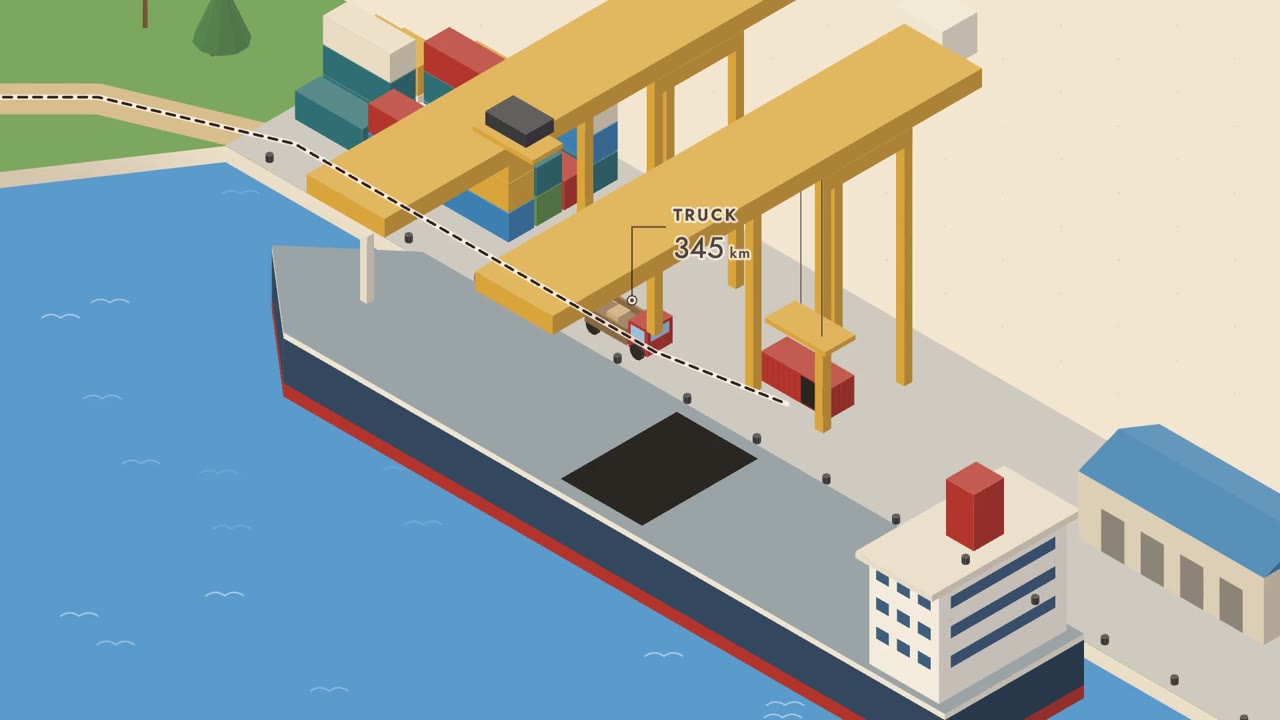
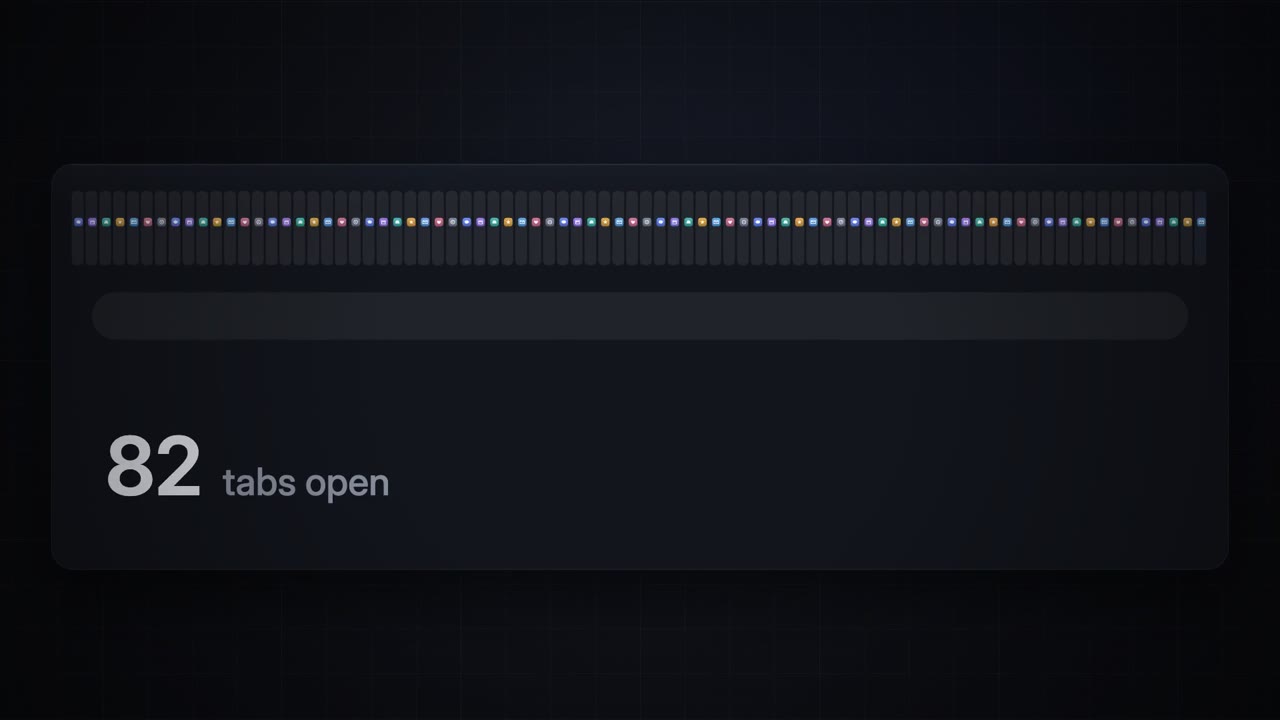
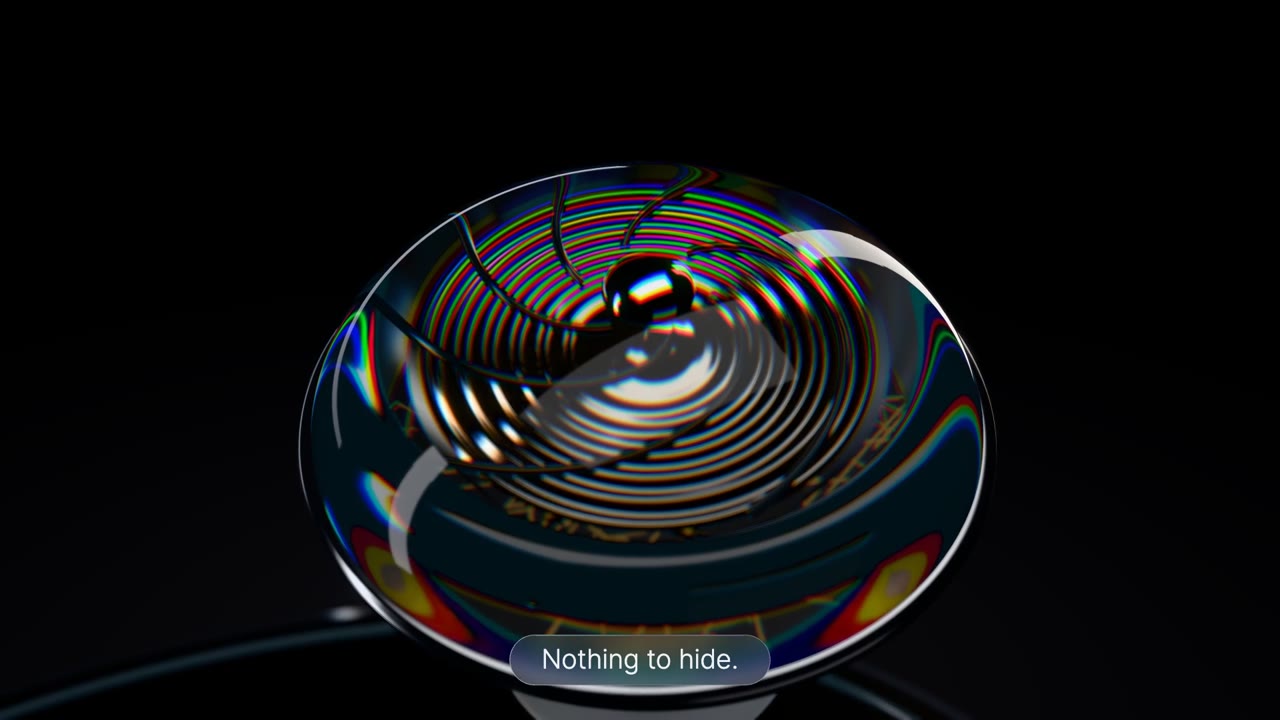
Style examples made with lemo-opuscar, the open-source engine our director draws with, not on this site. Source: lemo-opuscar
Dark keynote0:42 Glass product0:32 Blueprint0:47
Questions
- Does Claude Opus 5.5 generate video by itself?
- No. It writes the code that draws the video, and a renderer turns that code into frames. That is why the results look like motion design, not filmed footage.
- Is this an Anthropic product?
- No. This is an independent site. Our director runs on Claude Opus 5.5 through the API, and Claude and Opus are trademarks of Anthropic.
- Do I need a Claude subscription or an API key?
- No. You pay with this site's credits: 100 credits for every started 10 seconds of film.
- How long does a film take?
- About 30 to 50 minutes. You can close the page; the film waits for you under My films, and your credits come back if it fails.
- Which formats and lengths can I make?
- Landscape 16:9 from 15 to 60 seconds, or vertical 9:16 for TikTok, Reels and Shorts at 15 or 30 seconds. Narration in English or Chinese.
- Can it make realistic footage of people?
- No. Every frame is drawn by code: illustrations, diagrams, charts, type and motion graphics. For filmed or photo-real scenes you need a video model, not this site.
Keep reading
 Opus 5.5 video promptsSix copy-ready explainer briefs, one per visual style.
 Claude video generatorThree ways to make video with Claude, and the one that makes explainers.
 How Opus 5.5 videos are madeCode that draws every frame, step by step.
 Why Opus 5.5 showreels look the sameWhat the viral prompt gets right, and how to write a brief instead.
Try the Opus 5.5 technique on your own topic
Write one sentence about what you want explained. The director does the rest.